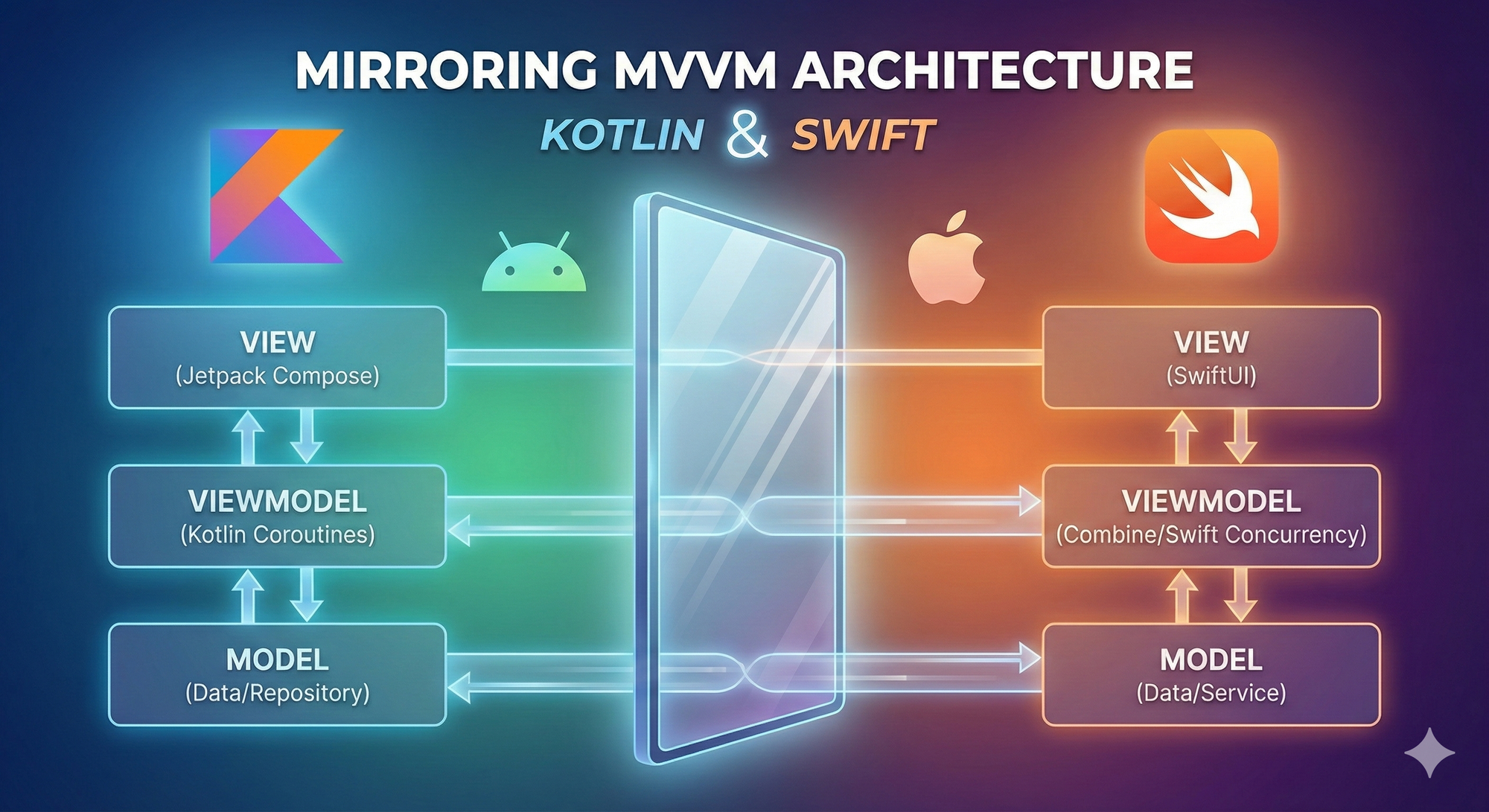
Introduction
In the world of native cross-platform development (Android Kotlin + iOS Swift), one of the greatest challenges is maintaining Business Logic Consistency.
Project specifications are often buried in 50-page Word documents or PDFs, filled with complex use cases, edge cases, and validation rules. Without a systematic approach, logic inevitably "drifts" between platforms, leading to platform-specific bugs, fragmented debugging processes, and wasted effort in fixing the same issue twice.
This article introduces the "Docx-to-Code" Pipeline—a practical workflow to extract business logic from specifications and mirror it precisely within the ViewModels of both Kotlin (via StateFlow) and Swift (via @Published). The goal: proving that business logic can remain "immutable" across platforms if you establish Conceptual Parity early on.
Common Pitfalls: Translating Spec to Code
- Unstructured Specs: Docx/PDF files are free-text. It is incredibly easy to miss an edge case or misinterpret a requirement.
- API Divergence: Android (StateFlow + Coroutines) and iOS (Combine + @Published) have different APIs. Developers often implement based on "feel," leading to subtle behavioral differences in loading states, error propagation, or retry logic.
- Synchronization Debt: Fixing a bug on one platform without syncing it to the other creates immediate technical debt.
- Review Friction: Reviewing cross-platform code is difficult without a Single Source of Truth for logic.
The Solution: The "Docx-to-Code" Pipeline
The pipeline consists of four key stages:
- Extract & Abstract: Convert Docx/PDF specs into intermediate artifacts (state machines, sequence diagrams).
- Define Common Patterns: Standardize shared concepts like Sealed States, Events, and Side-Effects.
- Mirror Implementation: Parallelize coding in Kotlin and Swift using identical structures.
- Sync & Verify: Use side-by-side code reviews and twin unit tests.
1. Extract & Abstract from Documentation
The first step is to strip away the prose and isolate the logic. My Practical Workflow:
- The Scan: Read the Docx and highlight the "Trigger -> Action -> State" flow (e.g., "User sees loading → call API → success show data / error show message + retry button").
- The Summary Table:
| Trigger | Action | Success State | Error State |
|---|---|---|---|
onInit |
fetchProfile() |
Success(User) |
Error(msg, retryable) |
onRetry |
fetchProfile() |
Success(User) |
Error(msg, retryable) |
- Sequence Diagramming: Use Mermaid.js to map main use cases. Store these in your repo (
docs/sequence/) for version control.
sequenceDiagram
    participant VM as ViewModel
    participant R as Repository
    participant API as External API
    participant C as Local Cache

    Note over VM: Initial state: Idle
    VM->>R: loadProfile()
    R->>API: fetchProfile()
    alt Success
        API-->>R: User data
        R->>C: save(user)
        R-->>VM: Success(user)
        Note over VM: Emit Success(user)
    else Error (401, timeout, etc.)
        API-->>R: Error
        R-->>VM: Error(message, retryable?)
        Note over VM: Emit Error(message, retryable)
    end
2. Define Common Patterns
To mirror effectively, unify your core architectural concepts:
- UiState (Sealed Class/Enum): Loading, Success(data), Error(message, retryable).
- UiEvent: User-triggered actions like
OnRetryClick,OnRefresh. - SideEffect (One-time events):
ShowToast,MapsToScreen.
3. Mirror Implementation: Kotlin (StateFlow)
class ProfileViewModel(
    private val repository: ProfileRepository
) : ViewModel() {

    private val _uiState = MutableStateFlow<ProfileUiState>(ProfileUiState.Loading)
    val uiState: StateFlow<ProfileUiState> = _uiState.asStateFlow()

    init { loadProfile() }

    fun loadProfile() {
        viewModelScope.launch {
            _uiState.value = ProfileUiState.Loading
            repository.getProfile()
                .catch { e ->
                    _uiState.value = ProfileUiState.Error(e.message ?: "Unknown", true)
                }
                .collect { result ->
                    when (result) {
                        is Result.Success -> _uiState.value = ProfileUiState.Success(result.data)
                        is Result.Error -> _uiState.value = ProfileUiState.Error(result.msg, true)
                    }
                }
        }
    }
}
4. Mirror Implementation: Swift (@Published)
@MainActor class ProfileViewModel: ObservableObject {
    @Published var uiState: ProfileUiState = .loading
    private let repository: ProfileRepository

    init(repository: ProfileRepository) {
        self.repository = repository
        Task { await loadProfile() }
    }

    func loadProfile() async {
        uiState = .loading
        do {
            let user = try await repository.getProfile()
            uiState = .success(user)
        } catch {
            uiState = .error(message: error.localizedDescription, retryable: true)
        }
    }
}
Synchronization Techniques
- Side-by-Side Review: Open both ViewModel files simultaneously during PR reviews.
- Strict Naming Conventions: Use identical function names, state keys, and error messages.
- The "Pragmatic" Mindset: If the project allows, use Kotlin Multiplatform (KMP) to actually share logic. If sticking to native, manual mirroring is highly effective provided there is high developer discipline.
Note on Architectural Granularity: You will notice a difference in "thickness" between layers. Android often demands strict Clean Architecture (UseCases, Repositories), while iOS tends toward a Lean MVVM approach.
The Key: Don't force an equal number of files. Consistency lives in the Data Flow and Business Rules, not the class count.
Conclusion
By transforming vague documentation into concrete artifacts (Summary Tables + Mermaid Diagrams) and systematic mirroring, you keep business logic "immutable" across Kotlin and Swift. If you are building native cross-platform apps, try this pipeline on a small feature first—you'll be surprised at how much friction it removes.